

Every shape has a place.
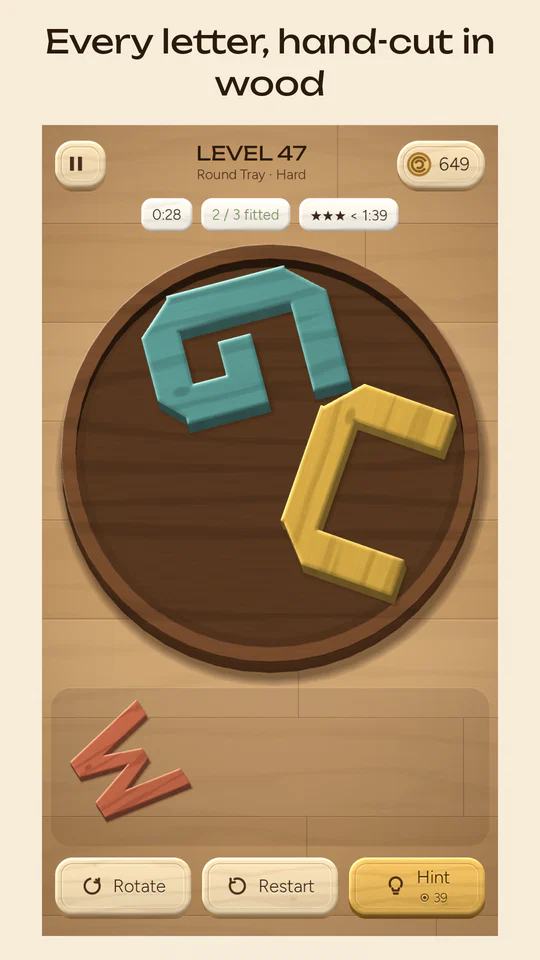
Turn, nest and fit chunky wooden letters into a tiny tray. Every A, T and W is a hand-cut wooden block, and every tray looks too small until suddenly it isn't.
About LETRFIT
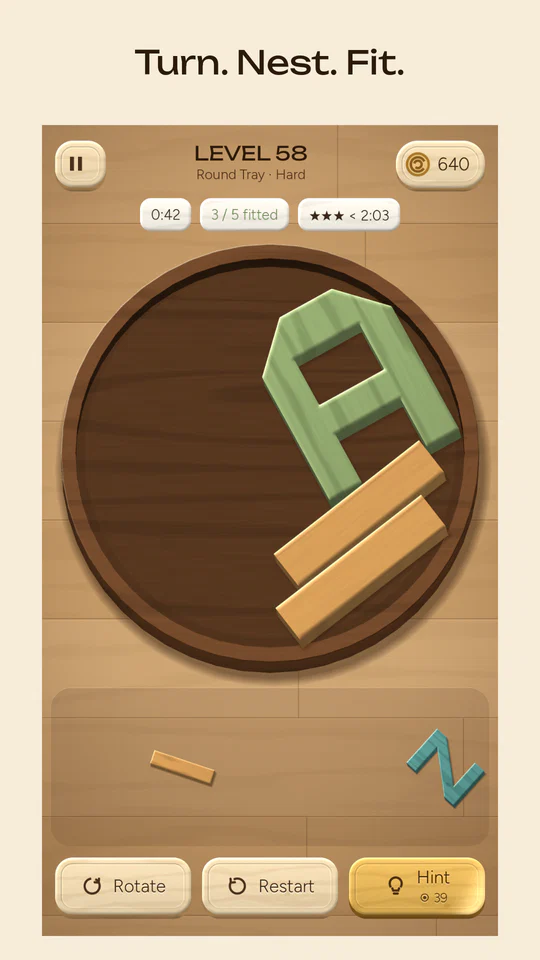
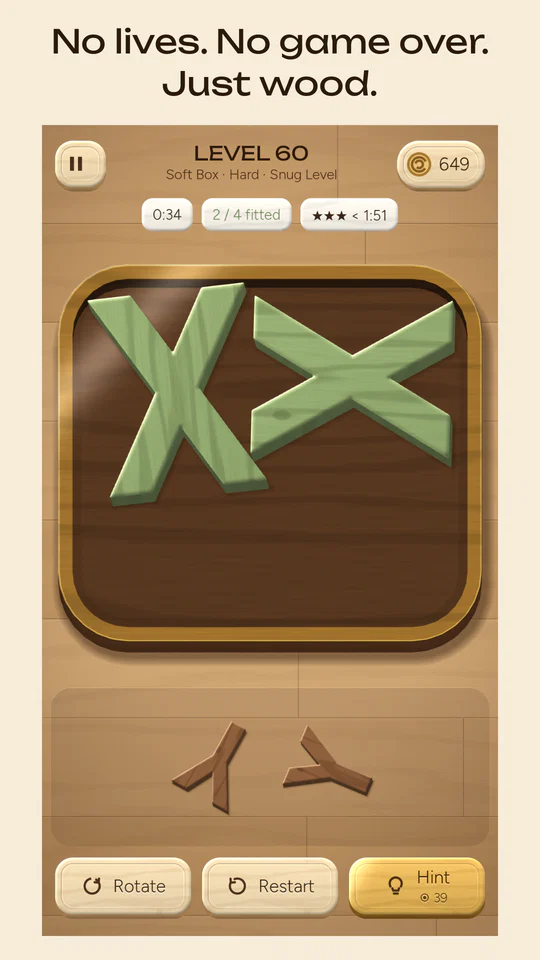
Pick up a wooden letter. Turn it. Tuck it into the corner. Click. LETRFIT is a calm packing puzzle: drag each letter from the shelf into the tray, turn it to any angle and nest the letters into each other until every one fits. Any arrangement that fits wins.
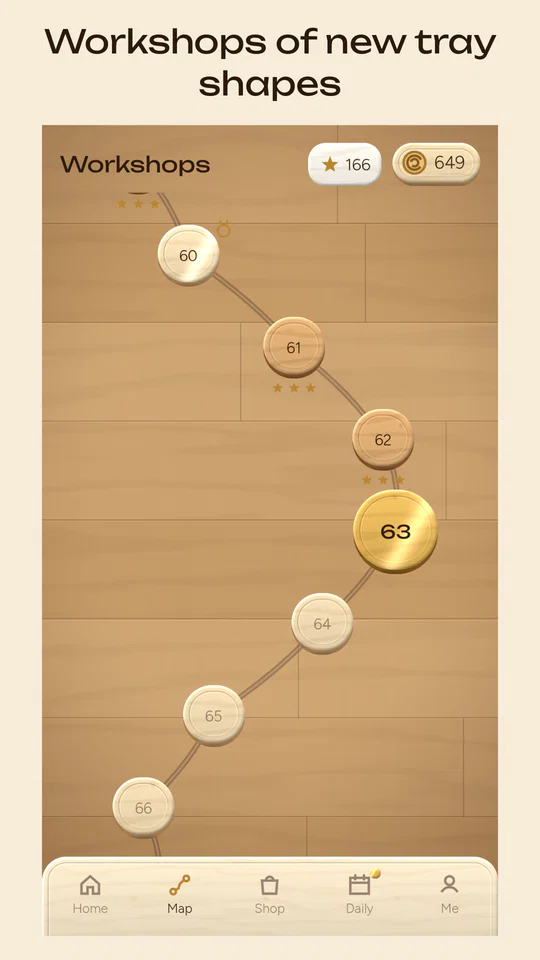
Turn a letter by grabbing its corner, with a two-finger twist, with a double-tap or with the Rotate button. Trays come in many shapes, from squares and circles to hexagons, crosses and notched boxes, collected into Workshops along a winding map.
Every level is built from a real solution, so every puzzle can be solved. There are no lives and no game over: the clock only decides bonus stars, and a hint places one letter for you and leaves the rest to you.
What's inside
Free rotation
Turn a letter to any angle with one or two fingers, with a soft click every 15°.
Turn & nest
Letters tuck into each other's gaps. The tray looks too small until it suddenly isn't.
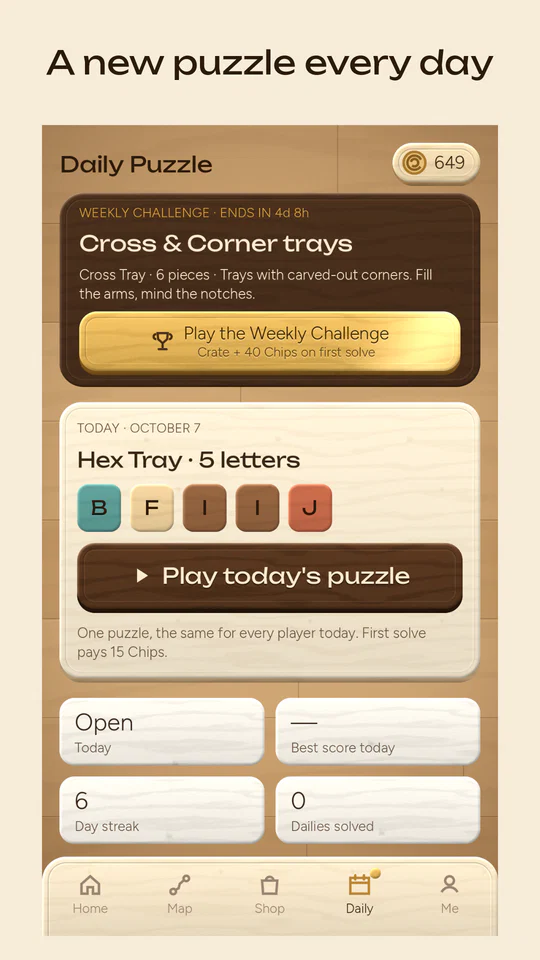
A new puzzle every day
One Daily Puzzle, the same for every player, plus a Weekly Challenge with its own trays.
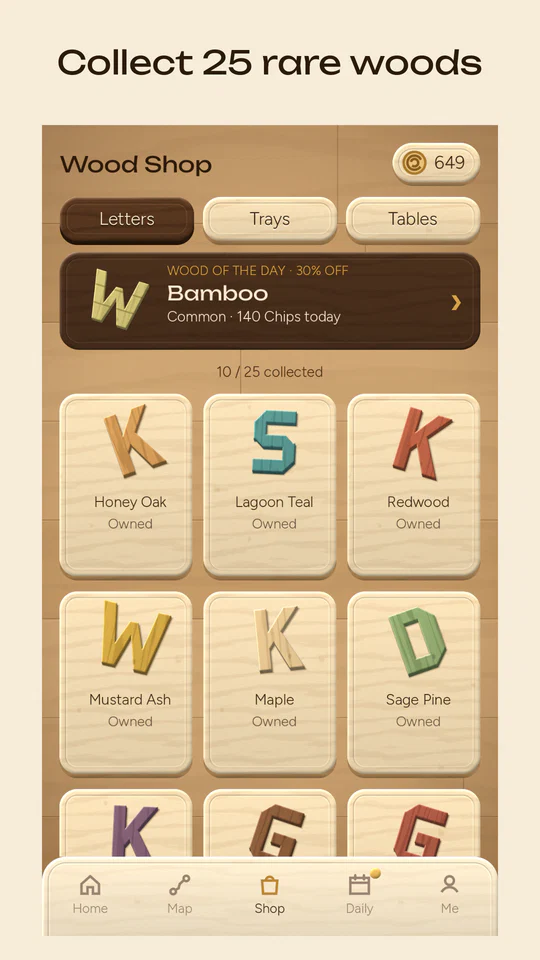
Collect 25 woods
From Honey Oak and Lagoon Teal to Gold Leaf and Silver Birch, plus trays and tables.
Workshops of trays
Hundreds of levels across Workshops of new tray shapes, ramping up gently.
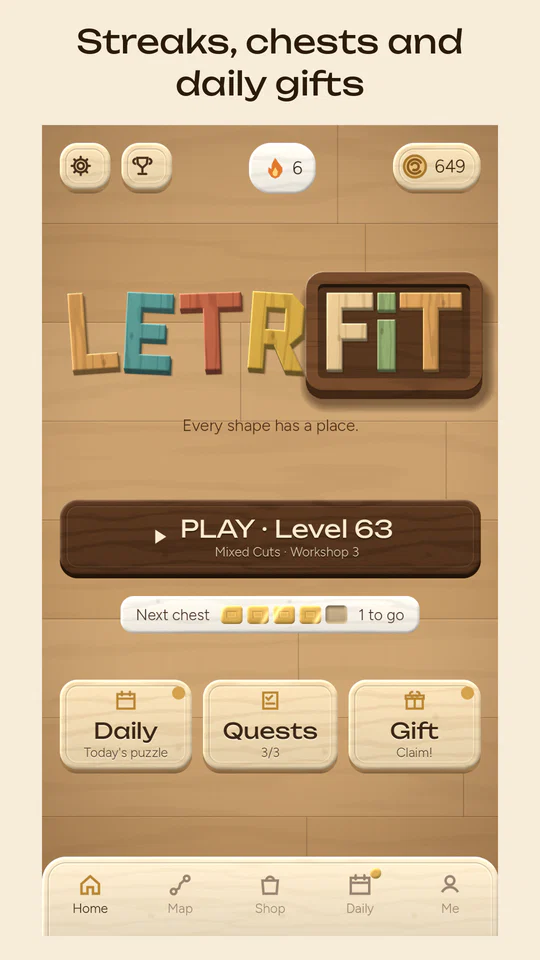
Streaks, chests & quests
Daily gifts, quests and chests earned by playing. Chips are free to earn and have no money value.
Friendly leaderboards
Generated carver names like "Maple Carver 42". No chat and nothing to type.
Calm & family friendly
No lives, no game over, child-safe optional ads. Plays offline, with comfort and left-handed options.
Watch it fit
The video is hosted on YouTube and loads only when you press play. Open on YouTube
See it in action
Frequently asked questions
How do I play?
Drag a letter from the shelf into the tray. To turn it, grab it near a corner and swing it around, twist it with two fingers, double-tap it, or press Rotate. Letters may not overlap each other or stick out of the tray. When every letter fits, the level is solved. The first three levels show you each step.
Is it free?
Yes. LETRFIT is free to play and has no in-app purchases. Chips are earned by playing and have no real-money value.
Are there ads?
Only optional rewarded ads, when you choose to watch one, for example for a hint or to double a reward. There are no banners, no ads between levels and never an ad when the app opens. Players under 13, or whose age we don't know, get only child-safe, non-personalised ads.
I'm stuck. What do I do?
Tap Hint: it places one letter exactly where it belongs and leaves the rest to you. Hints cost Chips, or you can watch an optional ad. Every level was built from a real solution, so there is always a way. There are no lives, so you can restart as often as you like.
How do stars work?
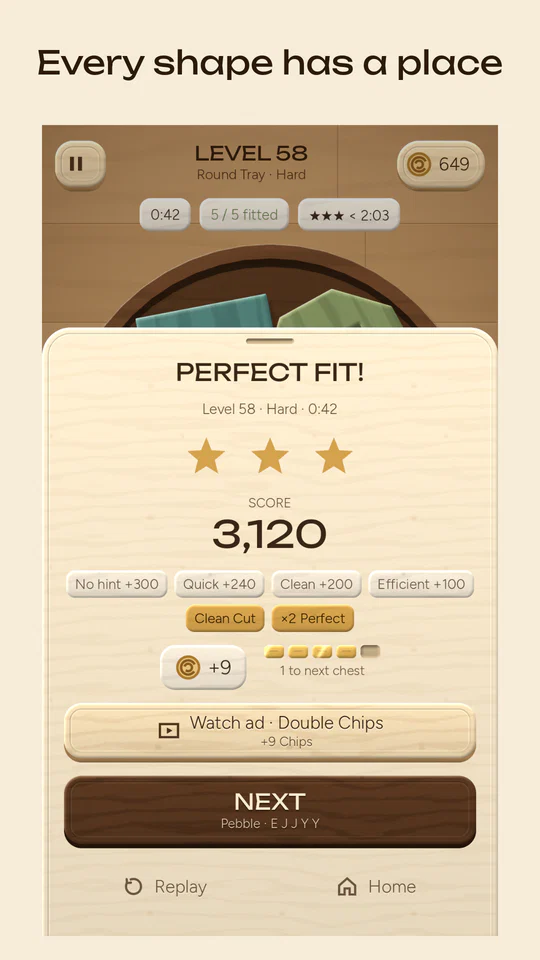
Solving a level always gives at least one star. Solving quickly without hints earns up to three. The clock only decides bonus stars; it never ends the game.
What is the Daily Puzzle?
Every day there is one new puzzle, the same for every player. Solve it to grow your daily streak and climb today's leaderboard. A Weekly Challenge brings special trays each week.
Can I save my progress?
Your progress is always saved on your phone and the game plays offline. Players aged 13 or older can tap Settings → Account & data → Save progress with Google to keep their progress in their Google Play Games cloud save and continue on a new phone.
It says "No ad available". Why?
Sometimes there is no ad to show, for example with a weak internet connection. Nothing is charged. Please try again a little later.
How do I delete my data?
In the game, open Settings → Account & data → Delete my data. This removes your progress from your phone and from your Google cloud save. More details are on our delete your data page.
I found a bug or need help
Tap Settings → Send feedback, or email us at support@kukdoku.com. Please tell us your phone model and what happened.
Need a hand?
Email support
support@kukdoku.com. Tip: in the game, Settings → Send feedback adds your build number and phone model.
Delete your data
Remove your LETRFIT progress from your phone and your Google cloud save.
Privacy Policy
What LETRFIT collects and why, including children's privacy.
Terms of Service
The rules for playing LETRFIT and our other games.